






Client Tracker & Management Spreadsheet
$1,00
Client Tracker Spreadsheet Template in Excel and Google Sheets
The Client Tracker Spreadsheet Template is the perfect solution for businesses, freelancers, and solopreneurs looking to streamline client management, track projects, and maintain financial clarity. This easy-to-use tool helps you keep all essential client details, project updates, and payment records in one place – ensuring smooth operations and excellent service delivery.
Key Features:
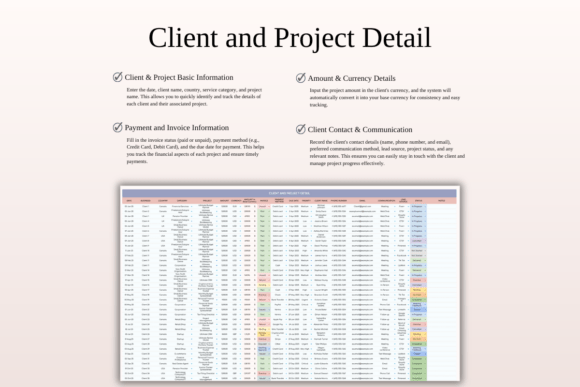
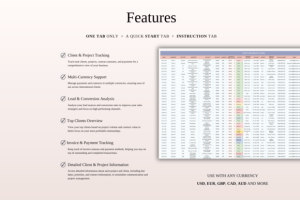
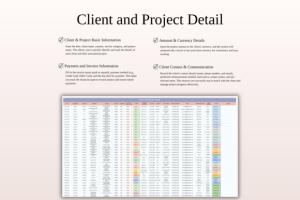
– All-in-One Client & Project Management – Store client details, contact information, project categories, priorities, deadlines, and payment status in one organized tracker.
– Multi-Currency Support – Easily manage international transactions by recording payments in any currency, with automatic conversion into your base currency for financial consistency.
– Invoice & Payment Tracking – Log invoice details, payment methods, and due dates, keeping a clear record of outstanding and completed payments.
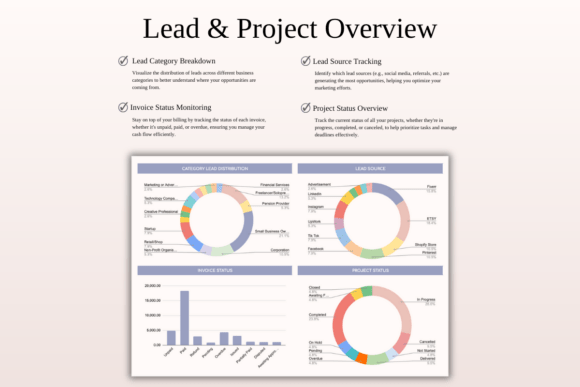
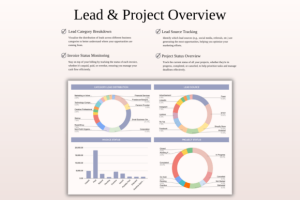
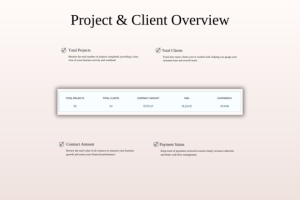
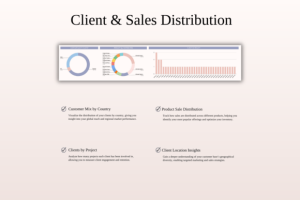
– Project Progress Overview – Get a quick glance at project statuses, client lead sources, and communication history to effectively prioritize your workload and avoid missed deadlines.
Benefits:
– Simplified Client Management – Easily handle client relationships, project updates, and financial records without switching between multiple tools.
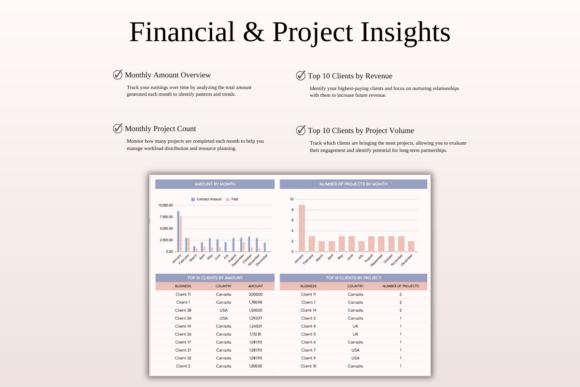
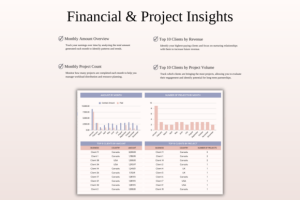
– Clear Financial Insights – Track total earnings, invoices, and payments while maintaining accurate multi-currency financial records.
– Better Organization & Productivity – Never lose track of deadlines or tasks with dedicated sections for project categories, due dates, and priorities.
– Works in Excel & Google Sheets – Access your data from anywhere, whether you prefer Excel or Google Sheets, for maximum flexibility.
Ideal for freelancers, consultants, small business owners, and solopreneurs, this template helps you stay on top of your workload, improve efficiency, and keep your finances organized – all in one place.
WHAT’S INCLUDED?
– Step-by-step instructions
– 4 Templates of Spreadsheets
– Sample Google Sheet with Mock Data
– Blank Google Sheet
– Sample Excel with Mock Data
– Blank Excel
– Editable in Google Sheets and Microsoft Excel
– Compatible with MAC, PC, Phones, or Tablets
HOW IT WORKS & REQUIREMENTS
YOU WILL NEED:
– A device to access Google Sheets or Microsoft Excel
– A Google Account (if using Google Sheets)
– Microsoft Excel software (if using Excel)
– Basic computer skills
HOW IT WORKS:
1. Purchase and download instantly.
2. Open the PDF file to access the Google Sheet link.
3. Download the Excel template.
4. Open the spreadsheet and start planning!
IMPORTANT TO KNOW:
– This is a digital download; no physical items will be shipped.
– Due to the nature of digital products, all sales are final, and refunds are not available.
COLOR DISCLAIMER:
Please note that colors in the spreadsheet may vary slightly due to screen display differences on your device. This can include variations in color on phones, tablets, and computers.
Note: For the best experience, we recommend using a desktop or laptop for full editing capabilities
Be the first to review “Client Tracker & Management Spreadsheet”
Related products






Graphics






Graphics


Graphics


Graphics
Reviews
There are no reviews yet.